
Road bike computer and GPS mounts
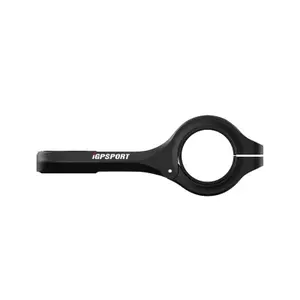
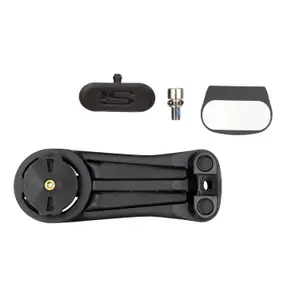
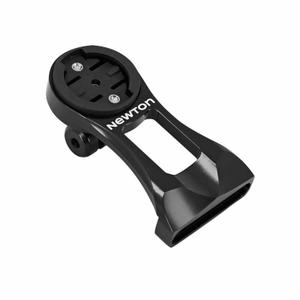
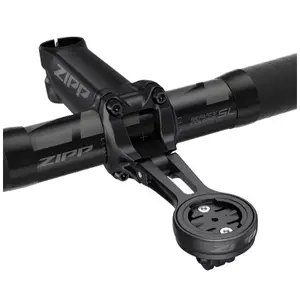
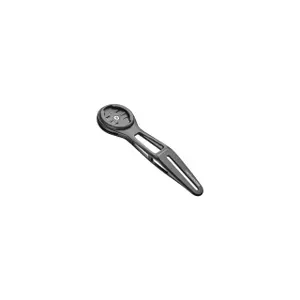
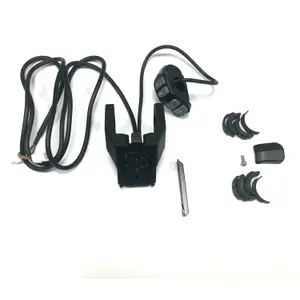
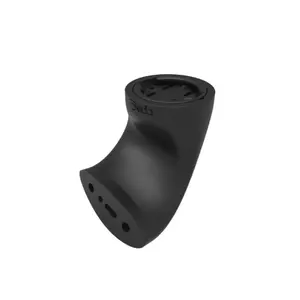
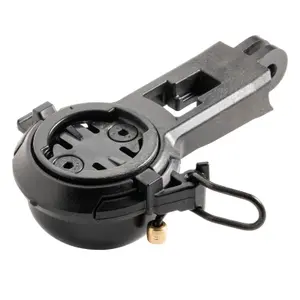
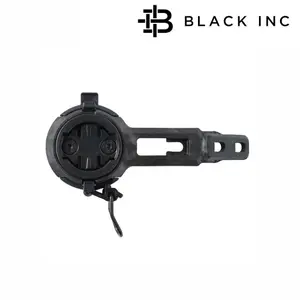
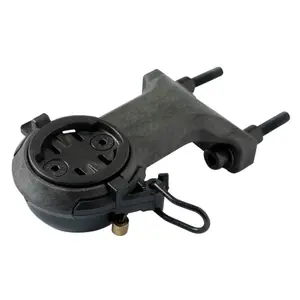
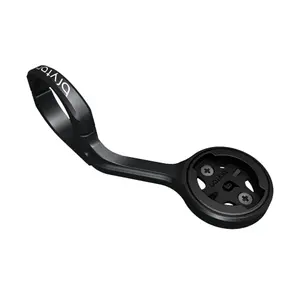


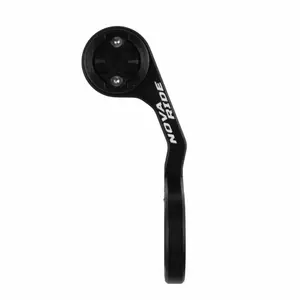
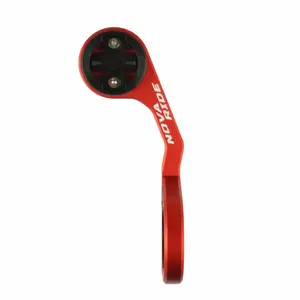
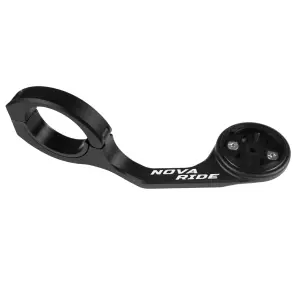
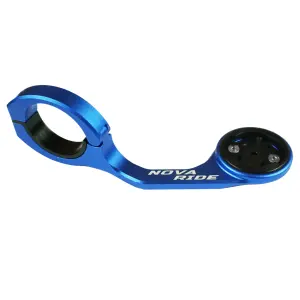
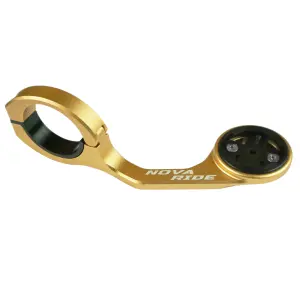
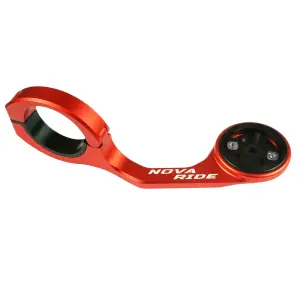
A road bike computer mount places your GPS unit in front of the handlebar, in your line of sight, where you can read it without dropping your head. Check three things before choosing: your computer's mounting interface, the diameter of your handlebar or the model of integrated cockpit, and the room needed for a light or a camera under the computer.
Why replace the mount supplied with your computer?
Most bike computers come with a base held on the stem or handlebar by rubber bands or cable ties. It holds, but it places the screen low and close to your chest: you have to look down to read it, and the bands end up stretching. An out-front mount moves the screen ahead of the handlebar, in line with your gaze on the road, frees up the top of the stem and fixes firmly with a bolted clamp. It is also a question of looks: on a well-finished cockpit, a machined or integrated mount almost disappears.
Quarter-turn, Wahoo, Bryton: each computer has its own interface
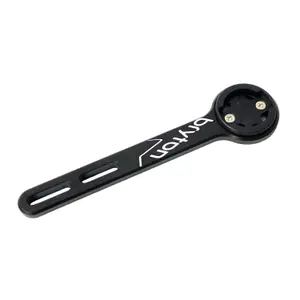
Each bike computer manufacturer has its own interface. The most widespread is Garmin's quarter-turn: the computer sits crosswise on the base and locks in place by turning a quarter turn. Wahoo uses its own interface, but sells an adaptor that makes it compatible with a Garmin quarter-turn base; Hammerhead likewise supplies its Karoo units with a quarter-turn adaptor. So check that the mount is compatible with your computer: many out-front mounts take interchangeable inserts, Garmin, Wahoo or Bryton.
Out-front, stem or integrated: where should the computer go?
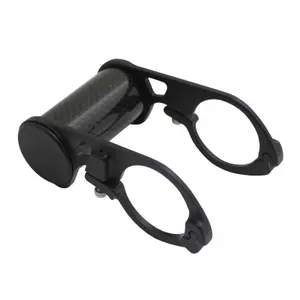
An out-front mount clamps onto the handlebar, next to the stem, and holds the computer ahead of it. It comes for 31.8 mm handlebars, the most common diameter on road bikes, and 35 mm. A stem mount places the screen above the stem, closer to you, and suits handlebars crowded with lights. On an integrated cockpit, with handlebar and stem in one piece, the mount is fixed by two bolts under the bar, with a bolt spacing specific to each brand: hence mounts dedicated to one handlebar or bike model. On a time trial bike, the computer fits between the aero bars.
Combo, light, camera: multi-purpose mounts
A combo mount adds a GoPro-style interface under the computer, which takes a camera or a compatible front light: the handlebar stays clear and the light shines in line with the bike. Check the load the mount can take, as a heavy accessory makes it vibrate; K-Edge states it for its models. Some manufacturers also offer accessory adaptors that slide under the computer.
Bike computers, lights and road bike electronics
The mount is chosen with the computer: see GPS bike computers to compare models, and bike lights for lights that fit under a combo mount. For a phone used as a GPS, phone accessories offer dedicated cases and mounts. Mountain bikers will find mounts suited to wide handlebars in MTB computer mounts, and all road bike electronics are gathered on one page.
Which bike computer mount brands should you choose?
Pro, Shimano's component brand, offers aluminium out-front mounts with interchangeable inserts for Garmin, Wahoo or Bryton computers, including a model for its Vibe Evo handlebars, fixed with two bolts.
Look, the Nevers manufacturer behind the first clipless pedal, offers the ADH mount, which takes a Garmin or Polar computer.
Wahoo designs aero out-front mounts for its Elemnt Roam and Bolt computers, for a round 31.8 mm handlebar or bolted under an integrated bar, as well as a dedicated mount for the Elemnt Ace.
Cannondale, the American bike maker, designs mounts specific to its SystemBar integrated cockpit, in standard and SL versions.
Hammerhead, maker of the Karoo bike computer and now part of the Sram group, offers a quarter-turn adaptor, an out-front mount and an adaptor for fitting accessories under the computer.
K-Edge, a manufacturer from Boise, Idaho, machines aluminium mounts made in the United States, from the Max XL for large computers, in 31.8 or 35 mm, to a mount for time trial aero bars.
Bike computer mounts on sale
A mount designed for a computer generation that has been replaced often joins our road bike electronics clearance; mounts for the latest computers and handlebars arrive in new arrivals. Black Friday is a good opportunity to add the right mount to a computer received as a gift.
Frequently asked questions
Does a Garmin mount fit a Wahoo computer?
Not directly: Wahoo has its own interface. However, an adaptor from the brand lets you fit a Wahoo computer on a Garmin quarter-turn base, and many out-front mounts come with inserts for both.
How do you find out your handlebar diameter?
It is often engraved in the centre of the handlebar, near the stem. Otherwise, measure it with a vernier calliper where the mount will be clamped: 31.8 mm is the most common on road bikes, and 35 mm is found on some handlebars. The mount's clamp must match this diameter exactly.
How do you install a bike computer mount?
Place the mount against the stem, set its angle so that the screen faces you in your riding position, then tighten the clamp to the specified torque, without overdoing it on a carbon handlebar. Check that the computer gets in the way of neither the cables nor your hands.
Can you fit a computer on an integrated handlebar?
Yes, with a mount designed for it: most integrated cockpits take a mount bolted under the bar, with a bolt spacing that varies by brand. Check compatibility with your handlebar or bike model before ordering.
Can a computer fall off an out-front mount?
Properly locked, it holds even on cobbles. Check the wear on the tabs from time to time, on the back of the computer as well as on the mount: worn tabs leave play, and a mount that rotates on the handlebar needs re-tightening.